
Your listings stay where they are
ODA connects to your existing Airbnb and Booking.com listings. Your reviews, your ranking and your Superhost or Genius status are untouched.
Nothing double-books in between
Once a site is connected, a night sold there closes everywhere else. You don't switch off one thing before the other is ready.
You are not left with a help centre
We go through the setup with you on a call, and the people who build ODA answer your questions afterwards.
What actually happens, in order.
A typical guesthouse or a handful of apartments. A larger portfolio, or places managed for several owners, takes a little longer.
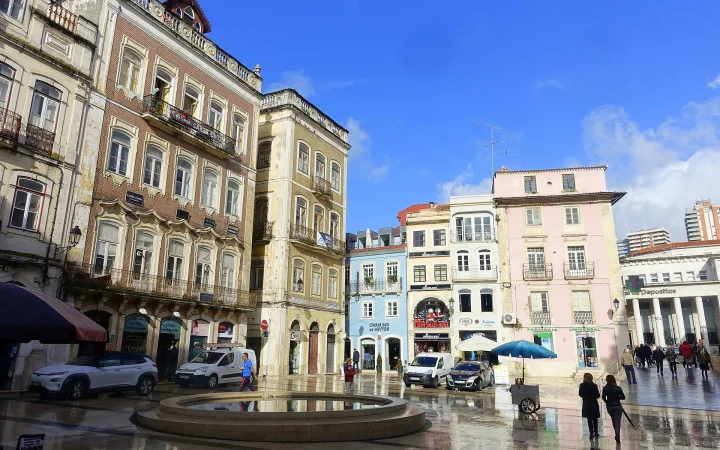
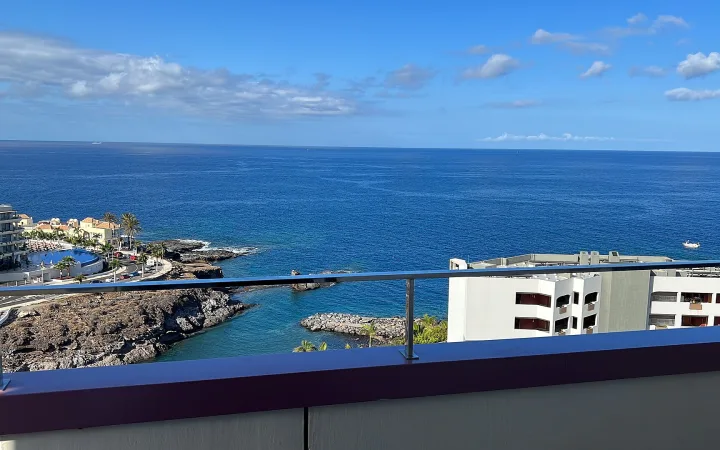
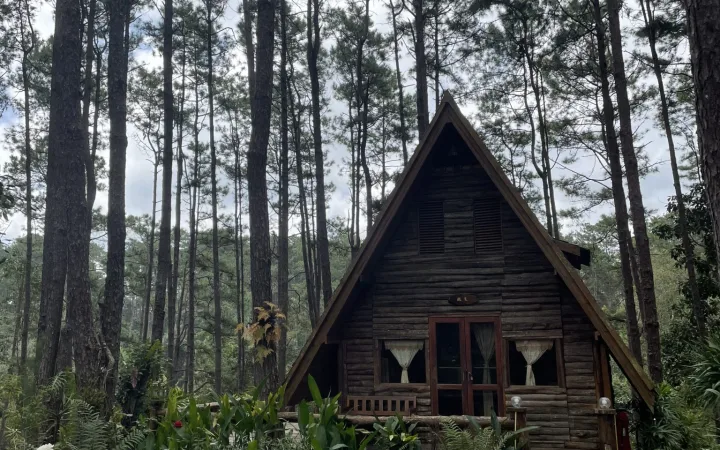
Your places, in ODA
Each property goes in as you rent it: the whole place, or room by room. Photos, description, capacity, check-in times, house rules and the house manual guests will read on their phone.
Prices and rules
Your nightly prices and seasons, minimum stays, cleaning fee, tourist tax and VAT, and your cancellation policy. Turn on smart pricing if you want suggestions for every night.
Connect the booking sites
We connect Booking.com, Airbnb and the others with you, through ODA's channel manager, and match your listings to your places in ODA. From then on, their bookings arrive in ODA by themselves, and a night sold on one site closes on the others.
Turn on the guest side
Switch on online check-in and the automated messages, add your cleaning checklist and the extras you offer, connect your Stripe account if you want online payments (where Stripe is available), and, if you want one, publish your own booking website.
What to have to hand.
None of it has to be perfect. We tidy it up together during setup.
- Links to your listings on Airbnb, Booking.com and the other sites
- Your prices: nightly rates, seasons, minimum stays and cleaning fee
- Your house rules, Wi-Fi details and anything guests usually ask
- Your cleaning checklist, if you have one written down
- A Stripe account, if you want online payments and Stripe is available where your business is
- The bookings you took directly, by phone or email, to enter once
What happens if it doesn't suit you.
- Your listings, reviews and ranking stay on the booking sites. Disconnect ODA and you carry on managing them there.
- Your bookings, guests and payments can be downloaded as files at any time.
- Online payments go into your own Stripe account, so there is never money held by us to get back.
- Your door locks keep working on their own. ODA only creates the codes (door locks are in beta).
What hosts ask before switching.
Still weighing it up? Talk to us — tell us what you rent and where you sell it today.
Do I lose my Airbnb reviews or my Booking.com ranking?
No. ODA connects to the listings you already have; it doesn't create new ones. Reviews, ranking and any status you have earned stay on those sites.
What happens to the bookings I already have?
Once a site is connected through the channel manager, its bookings arrive in ODA by themselves. Bookings you took directly — by phone, email or a message — you add once by hand, and they block the calendar everywhere from then on.
I rent rooms in my house and a separate apartment. Can ODA do both?
Yes. Each property is set up the way you rent it: a whole place, or room by room with room types. One account holds both.
Do I need any special equipment?
No. ODA runs in a browser, on a computer or a phone. A smart lock is optional; if you have one, ODA can create a code for each stay (in beta).
I manage places for other owners. Does that work?
Yes. Each place can be linked to its owner, with your management fee and a monthly statement of what they are owed.
What if I decide it is not for me?
Your listings never left the booking sites, your payments were always in your own Stripe account, and your data can be downloaded as files. Stopping is as simple as disconnecting.